Today I will show how to mine Verus Coin (VRSC) on an Android phone using a Linux environment and ccminer. 🚀
🎥 Video Tutorial
I preinstalled the UserLAnd application on my Android phone from the F-Droid market.
After that, I created and started an Ubuntu machine inside UserLAnd. 🐧
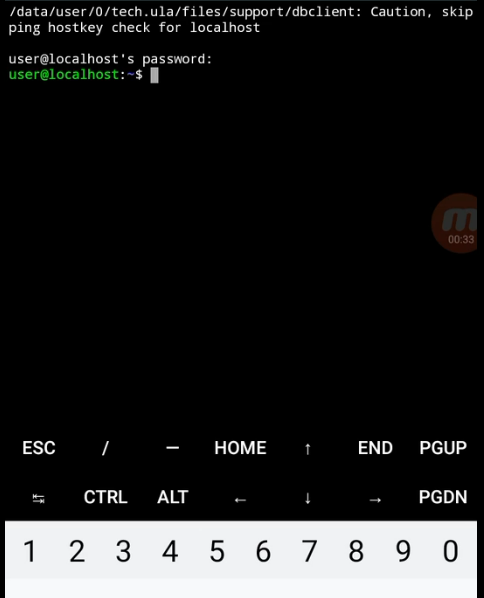
🔄 Update System Packages
First steps are updating and upgrading repositories and packages.
sudo apt update
sudo apt upgrade
🛠️ Install Required Software
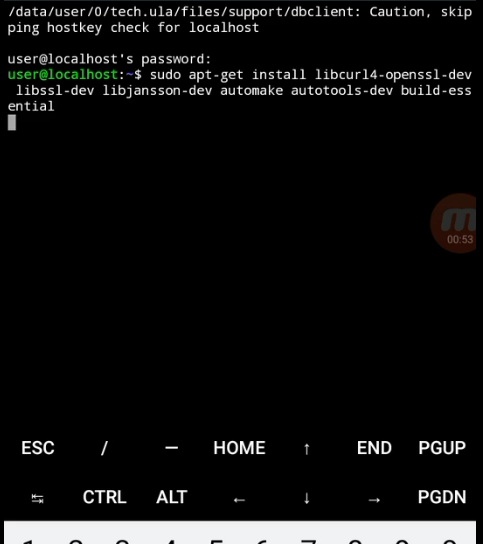
Install all required dependencies with this command:
sudo apt-get install libcurl4-openssl-dev libssl-dev libjansson-dev automake autotools-dev build-essential
📥 Clone ccminer from GitHub
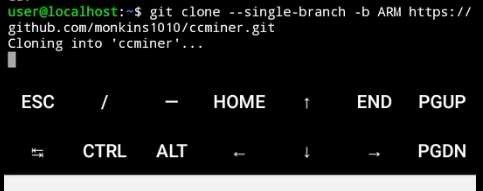
Clone ARM version of ccminer ARM fork on GitHub:
git clone --single-branch -b ARM https://github.com/monkins1010/ccminer.git
 Enter the ccminer directory:
cd ccminer

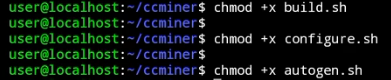
⚙️ Make Scripts Executable
chmod +x build.sh
chmod +x configure.sh
chmod +x autogen.sh
🔨 Build ccminer
Run build script:
./build.sh

▶️ Start Mining Verus Coin
After miner is built, run ccminer with your pool and wallet address.
Example command:
./ccminer -a verus -o stratum+tcp://pool.verus.io:9998 -u RD1drXBmm5DYkQm5MzUxmEmXD7fDw2qE1t.nokia3 -p x -t 8
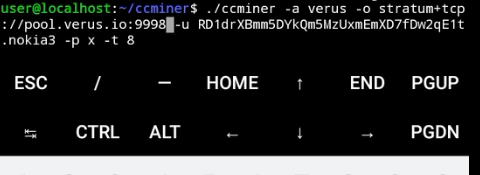 📌 Replace wallet address and worker name with your own.
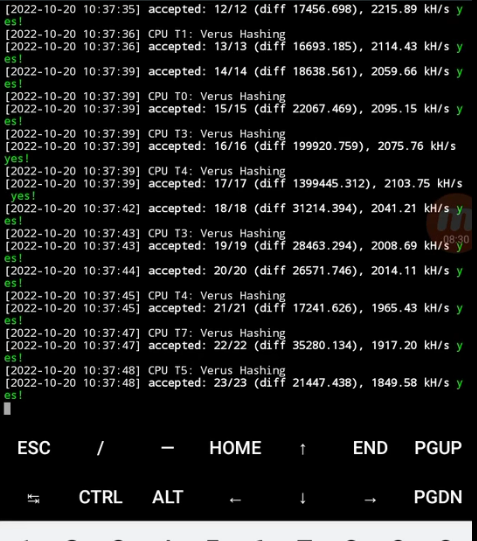
📊 Mining Performance
Average mining hash rate on Nokia 3 is around: 1900 kH/s
 ⚠️ Mining on phones can generate a lot of heat and may reduce battery lifetime, so monitor temperatures carefully. 🔥📱